
Cafe POS software for fast counters and easy tables
Short queues, quick turns and regulars who feel recognised: fast order entry, QR table ordering and takeaway tracking on one system.
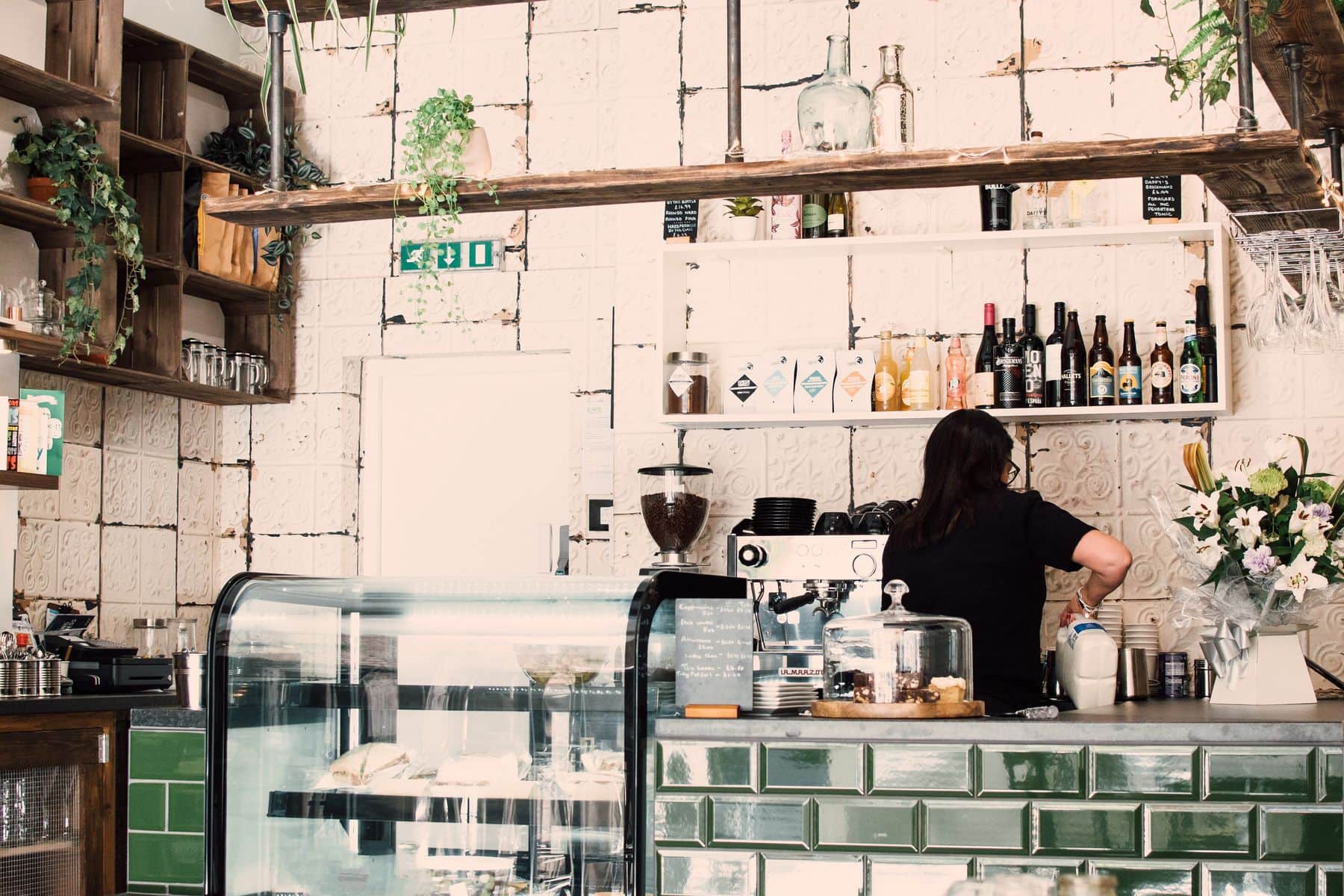
A café lives on volume and rhythm. The morning rush needs orders entered in seconds; the afternoon needs tables that turn without a server hovering; and takeaway needs to leave the counter without confusion.
KhaanaPina handles all three from one system: a fast order screen for the counter, QR ordering for the tables, and a clear status trail for takeaway orders.
Built for the rhythm of a café
Order entry at counter speed
Short codes, favourites and category tabs keep the queue moving, and voice-assisted menu search lets a barista say the item instead of typing it.
Tables that order themselves
Guests scan the table's QR, browse the live menu and order from their own phone, which frees your team to focus on the counter and the coffee.
Takeaway you can follow
Every takeaway order moves through Placed, Preparing, Ready and Picked Up with a timestamp at each step, so nobody asks where an order is.
Cafés: what's included
What a café gets from KhaanaPina.
How a café runs on KhaanaPina
Set up your menu
Add items with categories, short codes, modifiers and images, and mark each as veg, non-veg or vegan.
Serve the counter and the tables
Enter counter orders quickly, and let guests at tables scan and order for themselves.
Close out the day
Review sales, payment mix, top-selling items and the day's close summary from the dashboard.
Other restaurant formats we support
Cafés: frequently asked questions
Yes. Guests scan the table QR and order from their phone's browser — nothing to install and no login.
Yes. KhaanaPina supports UPI with a generated QR and UPI ID, alongside Cash and Card.
Yes. Takeaway orders have a timeline from Placed to Preparing to Ready to Picked Up, with a timestamp at each step.
Yes. When an order is taken with a mobile number that matches earlier visits, KhaanaPina flags the repeat customer and shows their visit count.
Features that power it
Ready to run a calmer, faster service?
Join restaurants already serving smarter with KhaanaPina.