A kitchen display system that shows what's late before it's a problem
Replace paper ticket rails with a live kitchen display: every order timed, colour-coded by urgency and filterable by menu category, so nothing sits and nothing gets missed.
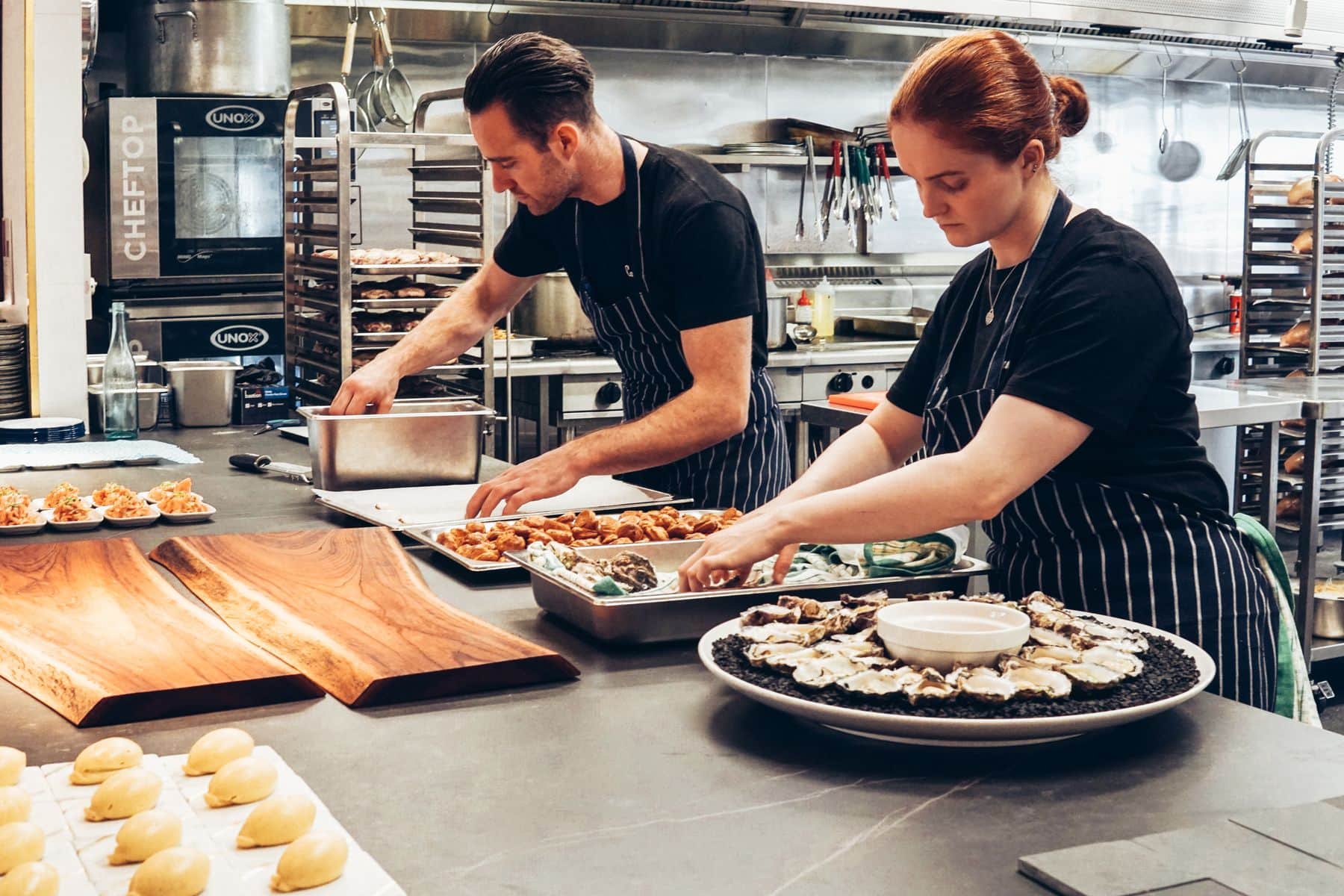
A kitchen display system (KDS) is the screen that replaces the paper ticket. Every KOT sent from the floor appears on the display the moment it is placed, with the table, the section, the items and any kitchen note the captain or guest added.
Each order card carries a live timer that changes colour as it ages, so a slow ticket is visible from across the pass — long before a guest asks about it.
Why a digital KDS beats the ticket rail
Lateness you can see
Order timers run from the moment the ticket lands and shift from fresh to warm to hot as they age, so the kitchen sees delays building rather than hearing about them.
Mark exactly what's ready
Fulfilment is item-level. Select individual items and quantities as they come off the pass, and the card keeps a running count of what's left — no all-or-nothing tickets.
Each person sees their own view
Views are role-based: chefs work from In Progress and Ready, while waiters see Pending and Served. Category filter tabs let each part of the kitchen focus on its own dishes.
Kitchen Display System: what's included
Built for the pass, and readable at a glance.
How orders move through the kitchen display
The floor sends a KOT
Staff tap 'Send to KOT' from the Orders Portal, or a guest's order comes in from the table, and a digital ticket appears on the display.
The kitchen works the queue
Chefs filter by category, watch the colour-coded timers and mark items — or the whole order — as prepared.
Service picks it up
Ready orders move to the waiter's view to be marked served. The queue auto-refreshes, so no one reloads a screen mid-service.
Fits the way your restaurant runs
Kitchen Display System: frequently asked questions
The display filters orders by menu category, so each part of the kitchen can focus on its own dishes. It does not currently route tickets to separate physical stations.
KOTs are digital — 'Send to KOT' pushes the ticket to the on-screen kitchen display rather than to a printer.
Each order card shows how long it has been waiting. It starts fresh and turns warm and then hot as it ages, so delayed orders stand out immediately.
Yes. Fulfilment is item-level, so the kitchen can mark specific items and quantities ready while the rest of the order is still cooking.
Related features
Ready to run a calmer, faster service?
Join restaurants already serving smarter with KhaanaPina.