
Split bill software for restaurants, without the calculator
End-of-meal maths, solved. Guests split the bill from their own phones, and your counter can take one bill across Cash, Card and UPI with every amount recorded.
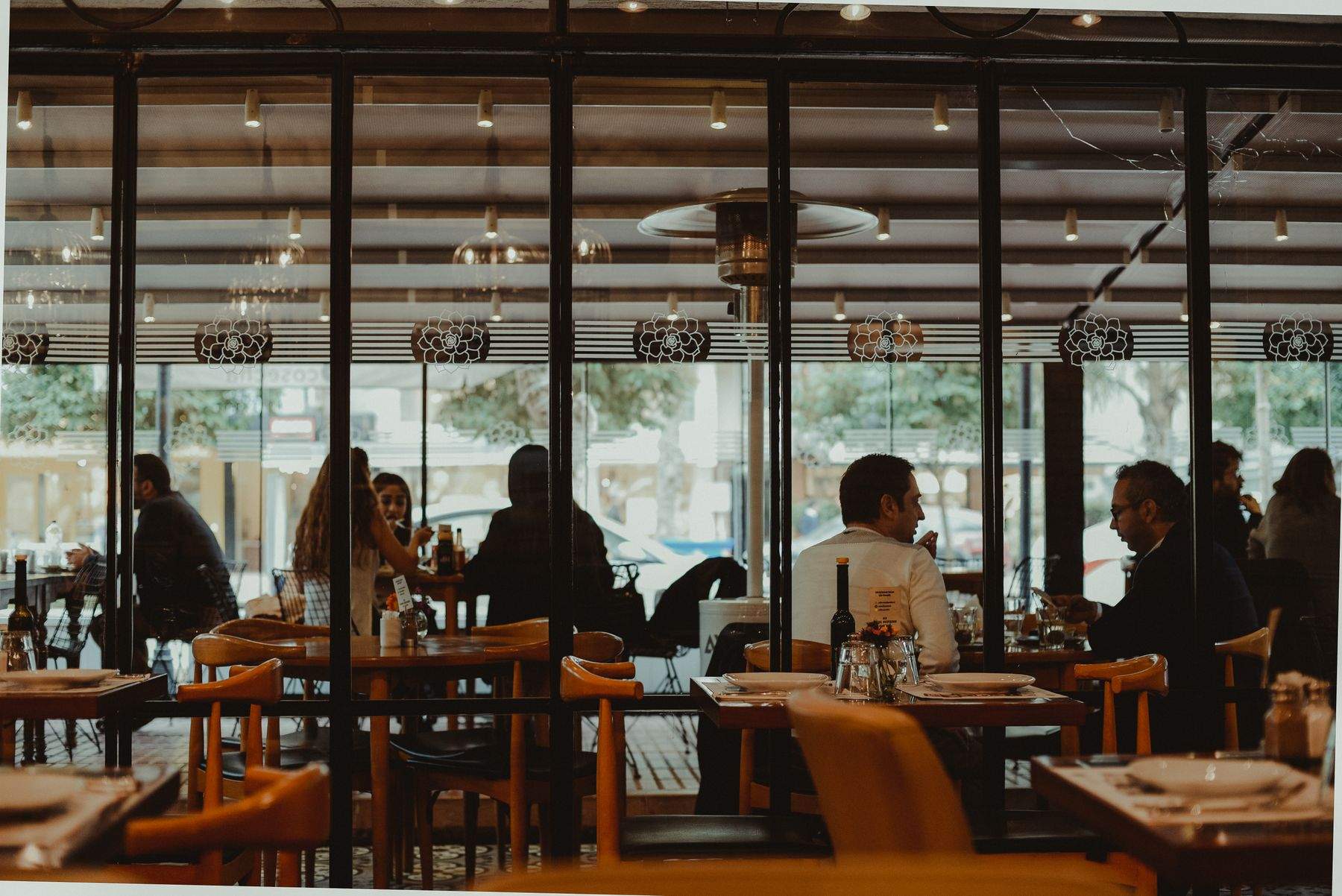
"Can we split this?" is one of the most common questions at the end of a meal, and one of the slowest to answer. The captain fetches a calculator, works out shares, swipes several cards and hopes the total still matches.
KhaanaPina builds bill splitting into the table session. A group can split equally, have each guest pay for what they ordered, or have one person pay for everyone — from their own phones. And when a single bill is paid partly by card and partly in cash, both amounts are recorded against the same order, so the day's reconciliation stays right.
The end of the meal, made easy
No calculator at the table
The system works out each share, so captains stop doing mental arithmetic and guests stop checking it.
Every way groups actually pay
Friends split equally, a work lunch has one person pay, a casual group each pays for their own — all three are built in.
Reconciliation that adds up
When one bill is paid ₹2,000 on card and ₹1,200 in cash, both amounts are recorded against the order, so the day's cash and card totals stay correct.
Split Bill: what's included
Bill splitting works from the guest's phone and from the billing screen.
How splitting a bill works
The group orders together
Guests join one table session with a session code and order from their own phones.
Choose how to split
Split equally, pay for what each person ordered, or have one person pay for everyone.
Pay and download the bill
Guests pay by UPI or card from their phone and download the bill, or settle at the counter across Cash, Card and UPI.
Fits the way your restaurant runs
Split Bill: frequently asked questions
Yes. A group in one table session can split equally, have each person pay for what they ordered, or have one person pay for everyone — from their own phones.
Yes. A bill can be settled across Cash, Card and UPI, and the amount taken on each is recorded against the same order.
No. It all runs in the phone's browser from the table QR, with no app and no login.
Yes. The bill shows subtotal, discounts and GST split as SGST and CGST, using the tax lines set up for your outlet.
Related features
Ready to run a calmer, faster service?
Join restaurants already serving smarter with KhaanaPina.