
Group ordering for restaurants: everyone orders from their own phone
Built for how groups actually eat: one guest starts a session, friends join with a short code, and everyone adds their own items to the table's order.
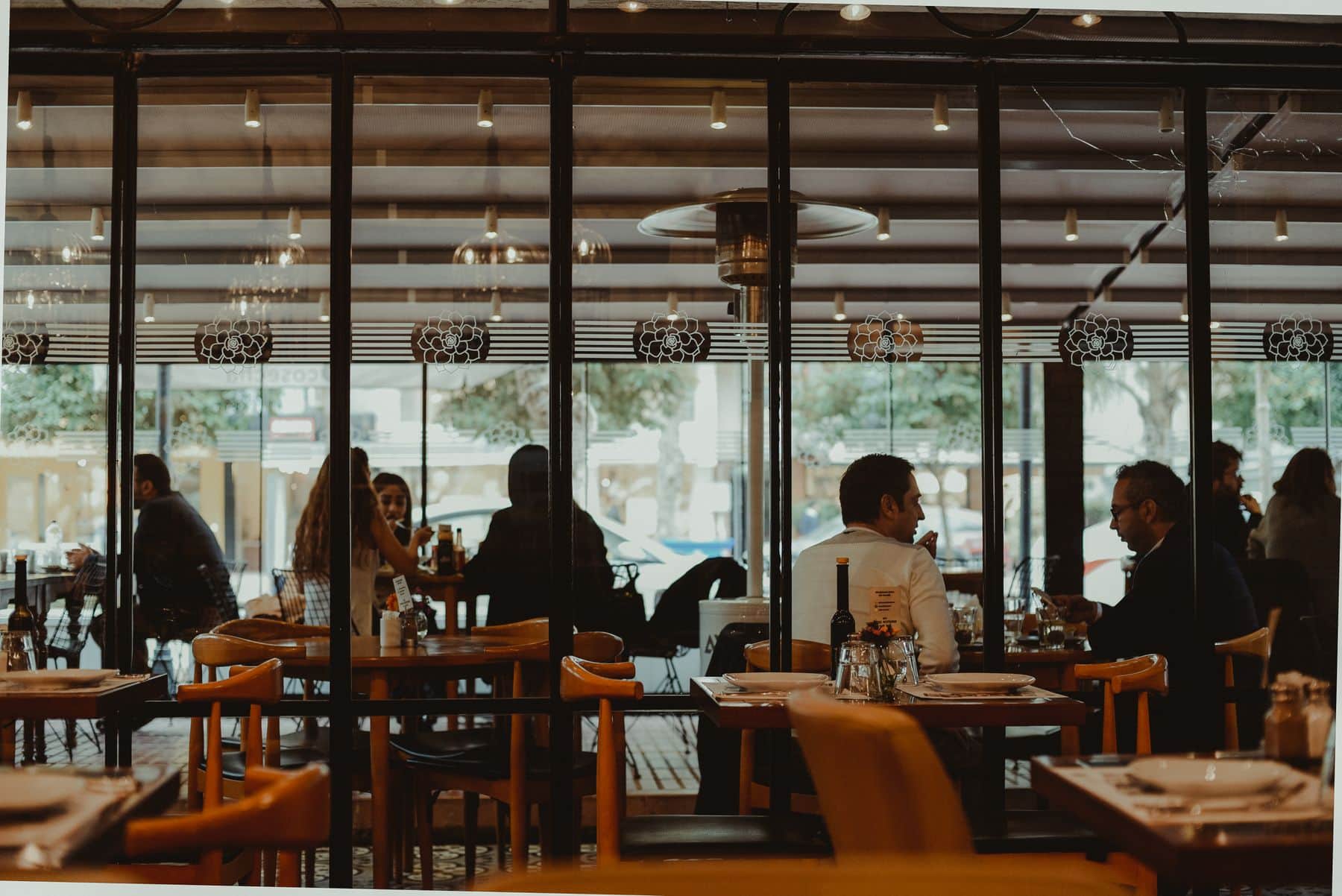
Big tables are the hardest to serve: five people, five opinions, one server trying to remember who ordered what. Group ordering gives the table a shared session instead. One guest starts it, shares a code, and everyone else joins from their own phone.
Everyone can see who has joined and how many items each person has added, so the table builds one order together — and your captain isn't left reconstructing it from shouted requests.
Less confusion for big tables
Everyone orders independently
Each member browses the same live menu and adds their own items. Nobody has to shout their choice across the table or wait for the person holding the only menu.
Everyone stays in the loop
Guests can see who has joined the session and how many items each person has added, so the group knows the order is coming together.
One table, one order
The group's items come together as a single table order, tracked round by round, with the bill itemised by round and a combined total.
Group Ordering: what's included
Group ordering runs in the guest's phone browser, alongside QR ordering.
How a group session works
One guest starts the session
After scanning the table's QR, a guest starts a group order and gets a 4-digit session code to share.
Friends join and order
Each person joins from their own phone, sees who has joined and adds their items to the table's order.
The kitchen gets the order
Items are placed in rounds and go to the kitchen display, and each round's status is visible to the whole group.
Fits the way your restaurant runs
Group Ordering: frequently asked questions
One guest starts a group session and shares the 4-digit session code. Each guest joins from their own phone and orders from the same live menu.
No. Group ordering runs in the phone's browser after scanning the table's QR code, with no app and no login.
The table's order is settled as one combined bill, itemised by round with subtotal, GST and total.
No. Any table can use it, whether that's two friends sharing a meal or a big celebration.
Related features
Ready to run a calmer, faster service?
Join restaurants already serving smarter with KhaanaPina.