
A table reservation system with your own online booking page
Give guests a link to book a table themselves, see every booking on one board, take a deposit from big groups and seat each booking straight onto its table when the guests arrive.
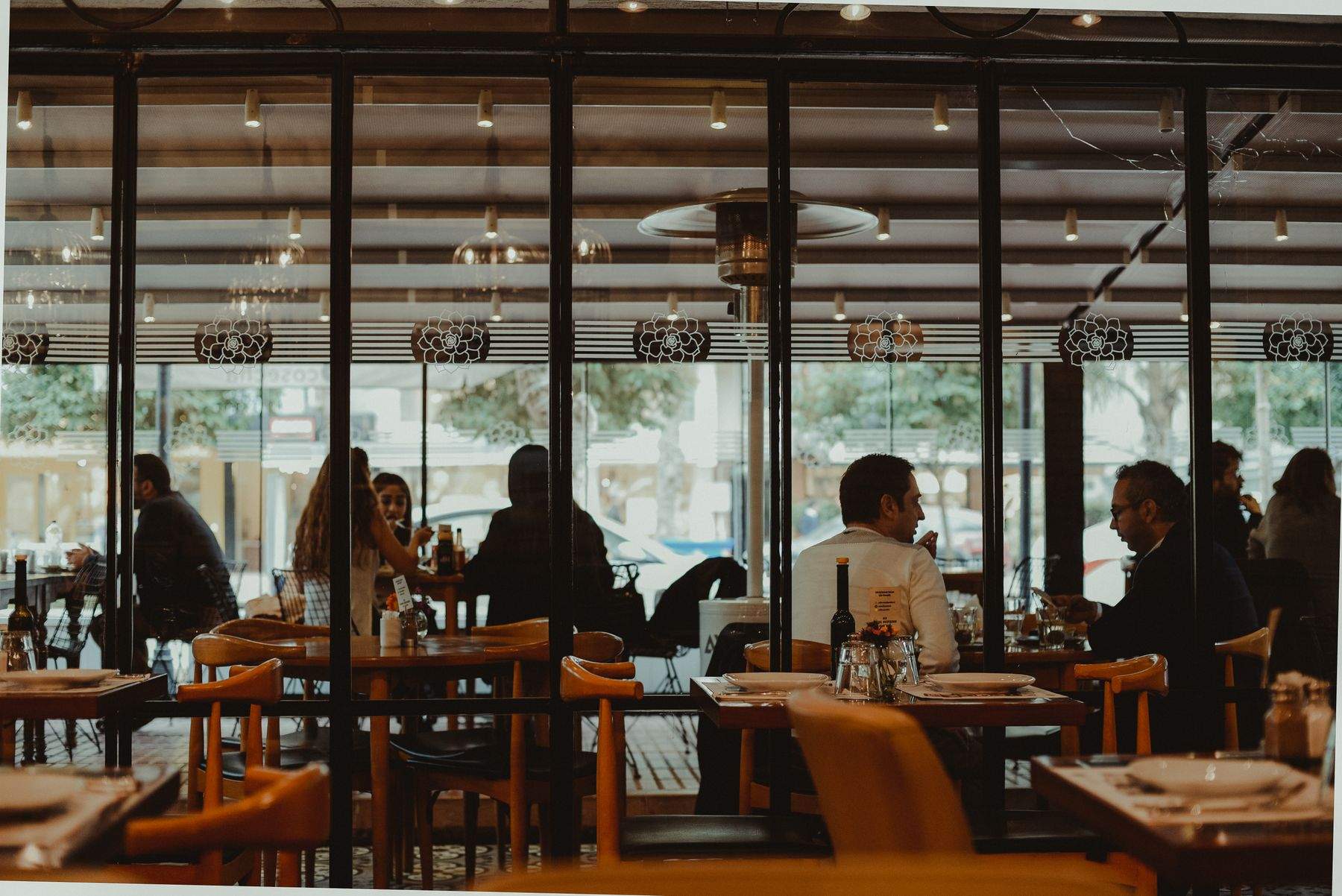
A table reservation system replaces the diary at the front desk. In KhaanaPina each outlet gets its own booking link and QR code. Guests open it, pick a date, a time and their party size from the times that are actually free, and the booking lands on your bookings board.
Bookings live on the same platform as your floor, so there is nothing to copy across. When a party arrives, staff check them in and seat the booking onto a table, which opens the order. Phone bookings go on the same board, and confirmations reach the guest by WhatsApp when it's set up, or by email.
Why move bookings off the paper diary
Guests book while you're busy
Your booking link takes reservations at any hour without a phone call, and only offers times when a table that fits the party is free — so two parties are never promised the same table.
Fewer empty tables from no-shows
Ask big groups for a refundable deposit through Razorpay. A guest who cancels in time gets it back automatically; a late cancellation or no-show doesn't. Send a reminder before the booking, and late and no-show bookings are marked for you.
Full nights still fill up
When a date is full, guests join the waitlist. If a booking is cancelled, the first guest it fits is told and the table is held for them for a few minutes before it goes to the next guest.
Table Reservations: what's included
Bookings are run from the admin console, the Orders Portal and the captain app, with guest pages that open in any phone browser.
How table reservations work in KhaanaPina
Set your rules
Switch on bookings for the outlet, choose your booking times, party sizes and how long each table is held, and decide whether online bookings confirm at once or wait for staff.
Share your booking link
Put the link on your website, social pages or Google profile, or print the QR code. Staff add phone bookings to the same board.
Seat the booking
When the guests arrive, check them in and seat the booking onto a table. The order opens, and any deposit is taken off the bill.
Fits the way your restaurant runs
Table Reservations: frequently asked questions
Yes. Each outlet has its own booking link and QR code. Guests choose a date, time and party size from the times that are free, with no app to install. Groups bigger than your online limit are asked to call you.
Yes. Choose per outlet: online bookings are confirmed at once when a table fits, or every booking waits for a staff member to accept or decline it.
Yes. You can ask for a refundable deposit per guest for groups above a size you set, or on shifts you mark. Guests pay on the booking page through your outlet's Razorpay account, and the deposit comes off their bill. If they cancel early enough, it's refunded automatically. When staff cancel, they can refund all of it, keep part or keep all.
Yes. Every guest gets a page for their booking where they can move it to another free time, cancel it or add it to their calendar.
By WhatsApp, if your account has WhatsApp messages set up and the guest agrees (one credit per message), or otherwise by email. Guests get confirmations, changes, cancellations and an optional reminder. There are no SMS messages.
Guests can join a waitlist for that date. When a table that fits them frees up, the first guest in line is offered it and the table is held for a few minutes for them to book.
Table reservations are part of the Growth and Chain plans, and Enterprise. They are not in the Starter plan. Deposits also need your outlet's Razorpay account set up.
Not today. Bookings come through your own booking link and from your staff. You can still place the link anywhere guests find you.
Related features
Ready to run a calmer, faster service?
Join restaurants already serving smarter with KhaanaPina.